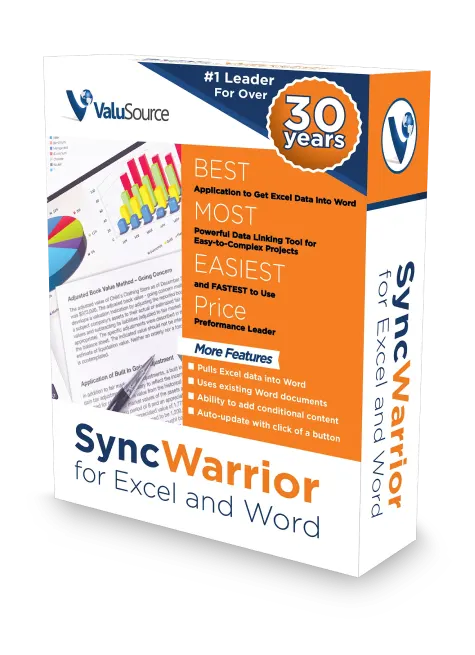
Brings CELLS, RANGES & CHARTS from Excel to Word using point-and-click to create links. Auto-update a few, or hundreds of Excel data links with a click of a button—changes ripple through the entire document helping eliminate errors and saving time.
2
Excel and Word Add-in, Does Not Require ValuSource Valuation Software
SyncWarrior creates a ribbon inside of Word and Excel allowing you to link your Excel data to your Word document. Everything stays in sync.
3
Saves Time, Improves Quality and Realization Rates
Quickly create final reports using templates you have already created. Spend more time writing and less time updating Excel data in your Word report.
4
Works with YOUR Excel and Word docs
Take your existing valuation reports and create live links to Excel in seconds, which are all automatically updated whenever you make a change in Excel.
What's Next?
Want to create reports quickly, accurately and updates automatically? Find out why SyncWarrior is for you.