For
Business Owners

OnlineBusiness
Valuation

The #1 Purely Market-Based Online Business Valuation Software

How Online Business Valuation Works in Eight Steps

1

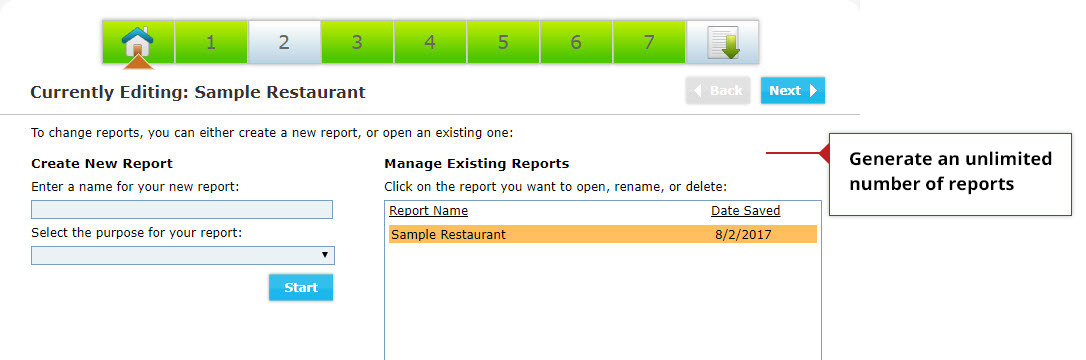
Create a New Valuation

Easily create a new evaluation to get started. You can generate as many reports as you need.

2

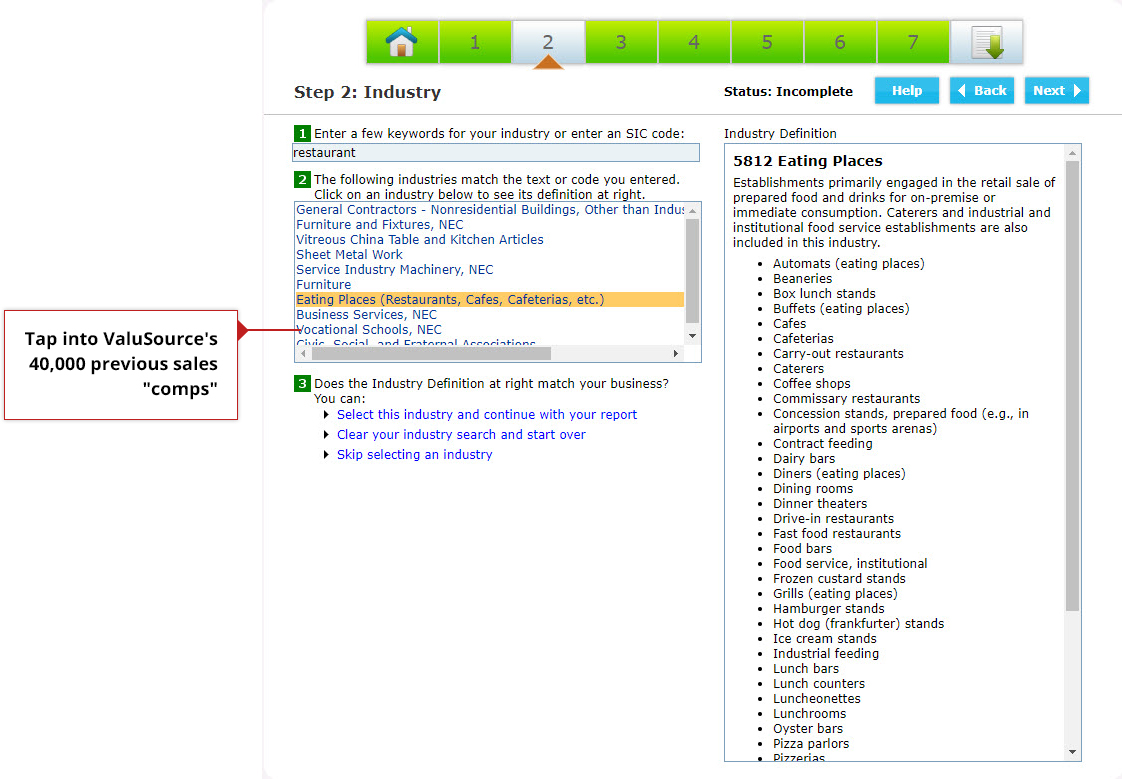
Choose Your Industry

Select your industry which compares your company to ValuSource’s database of over 49,000 previous sale comps.
3

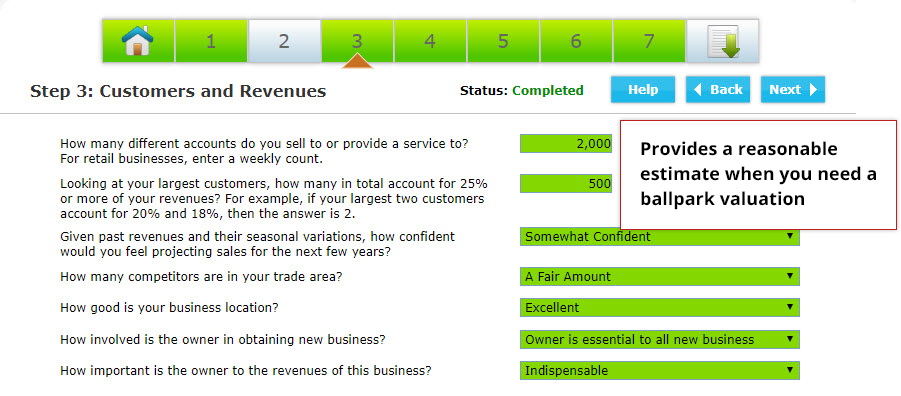
Take Business Survey

Answer questions related to your business including competition, stability of accounts, business location and more.
4

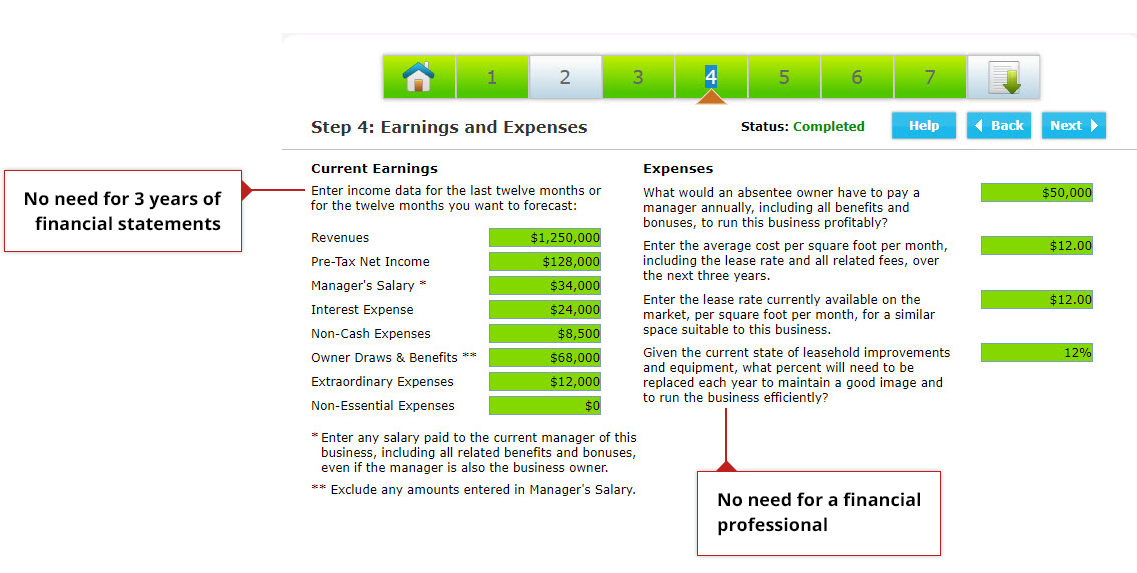
Enter Figures

Enter basic current earnings and expenses figures.
5

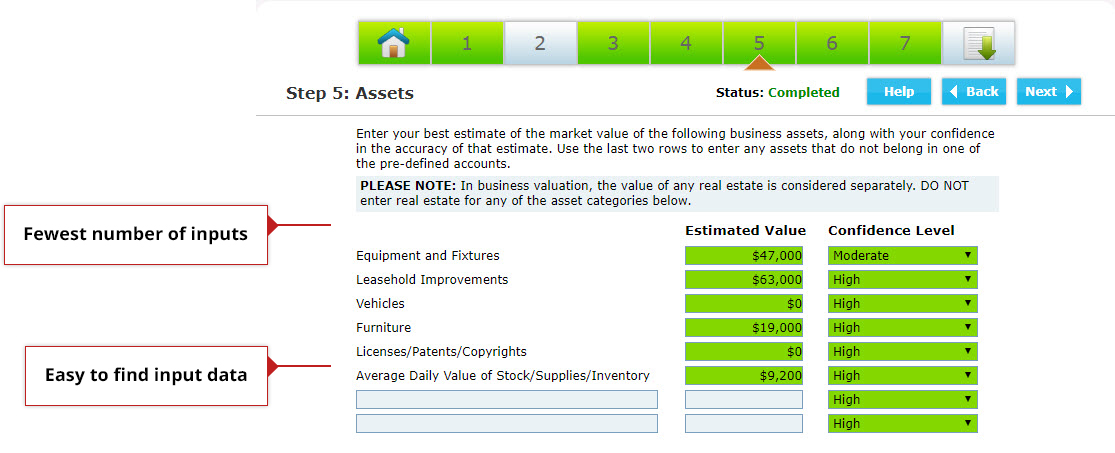
Estimate Main Assets

Estimate the value of your main assets (including your confidence level).
6

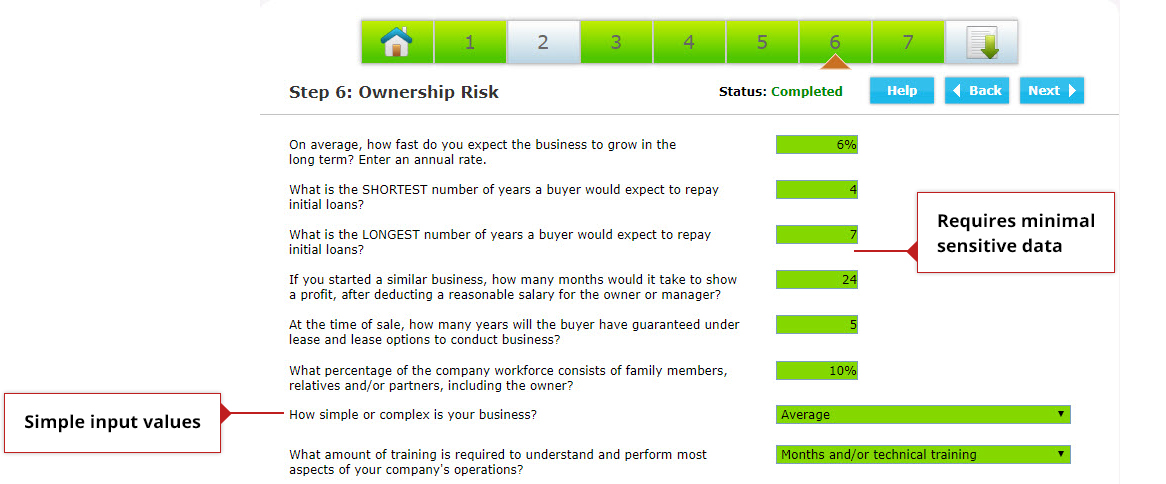
Estimate Potential Risk

Estimate some of the potential risk you are aware of in the business.
7

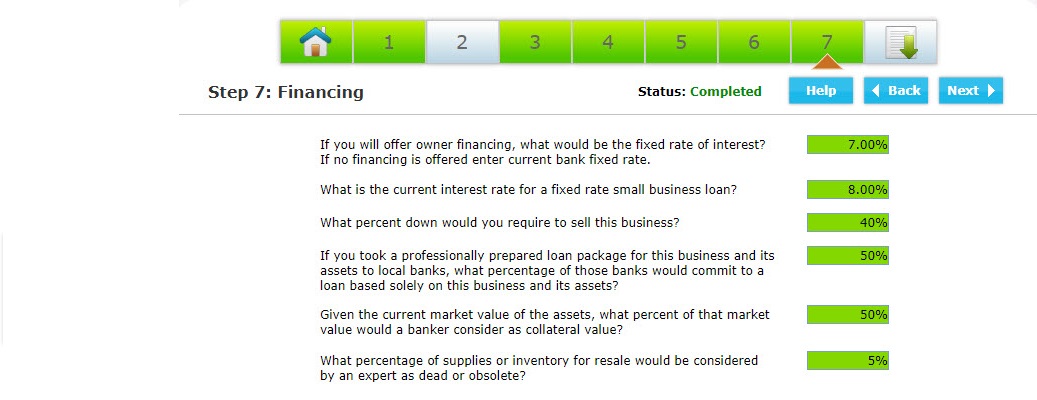
Take Finance Survey

Answer questions about financing with the minimal amount of sensitive business data input.
8

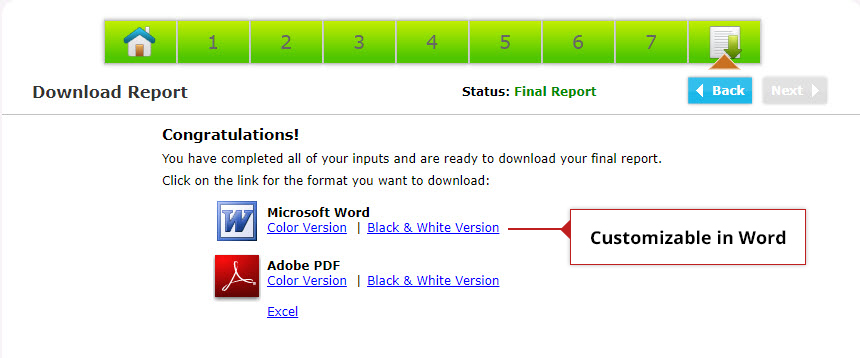
Generate Report

Finally, download your report in either Microsoft Word or PDF format.

What's Next?

Understanding what Online Business Valuation does, it’s good to understand what type of valuation you need, a formal or ballpark valuation.


Premium Data Without the Premium Price

Automate Reports by Linking Word to Excel

Automates the Damages Calculations

“Most Probable Selling Price” Reports

Ballpark Valuation for Business Owners

Download Valuation Software

How to install and update Valuation Software

Technical Support & FAQS

Contact support and find easy answers to common questions

Videos

Quick-start and full walkthrough videos

See Samples

Data and software sample reports

Webinar Archive

View past webinars and demos

Contact Us

Please let us know if you have questions

About ValuSource

Who we are and our mission statement

Terms and Conditions

Privacy policy and terms & conditions