For Personal Injury, Wrongful Death & Employment Law

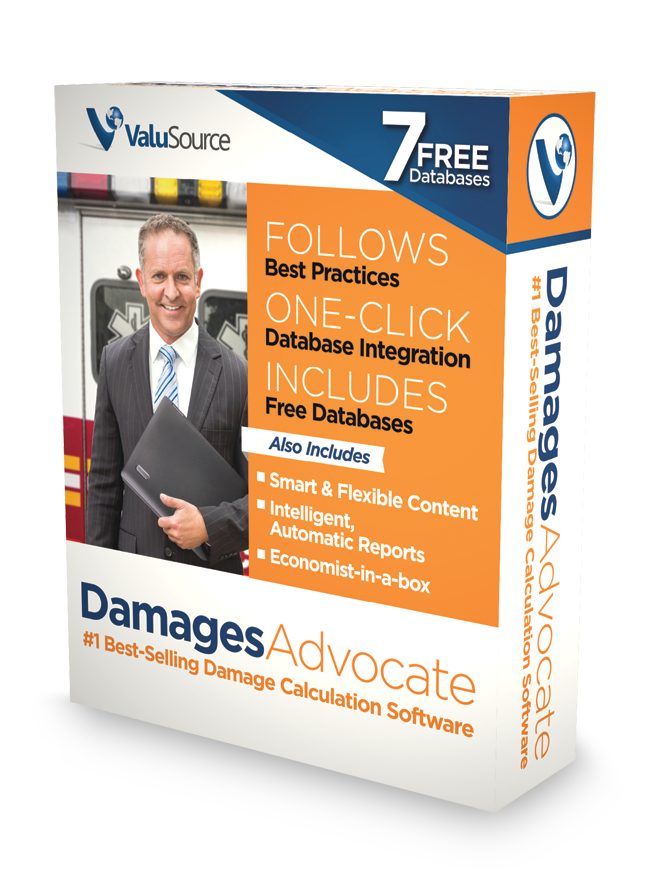
DamagesAdvocate

#1 Best-Selling Damages Calculation Software
The main Features and Benefits of Damages Advocate...

Following are the main features and benefits for Damages Advocate:

Guides you through damage calculations best practices

Smart Navigator

The program knows the damage calculations process, workflow and best practices and walks you through it step-by-step with sequential menus. Ensures you cover all the steps, whether novice or expert.

Comprehensive coverage

Covers every major option to ensure you do not miss critical analysis.

Generates comprehensive intelligent and automatic standards-based written reports

The report writer helps write the narrative and work schedules, and exports to Excel, Word and PDF. It includes:

Report

The report provides a standard 13 page damages report that includes the necessary schedules to defend your damages position.

One-Click Refresh

If you change any of the data you can click a single button to quickly re-create the report.

Comprehensive damage calculation workflow, and data integration

Comprehensive Workflow Decision Trees

The program covers the input, assumptions and databases necessary for every damages scenario. Includes decision trees for retirement, life span, employment, dependents, household services, medical expenses, and other damages.

Calculation Options

Allows you to make assumptions based on your expert opinions, applicable state law and jurisdiction.

Data Integration

Contains seven damages databases covering life expectancy, earnings by occupation, fringe benefits, pre-trial earnings growth, life expectancy of dependents, household services, and pre-trial growth of household services.

Smart and flexible content

The schedules have intelligence built-in and transform based on your assumptions. This saves beginners from making critical mistakes, while allowing experts to finish much quicker. Includes:

Smart logic

Looks at your assumptions and intelligently determines which fields and choices should be displayed.

Easy to Modify

Because the output is built in MicroSoft® Word and Excel, they are easy to edit.

One-click database integration

Schedules List

Integrates with five major damages databases: Bureau of Labor Statistics, Ciecka Donley & Goldman, Hunt, Pickersill & Rutemiller, Median Years to Retirement, Skoog & Cieka, and Dollar Value of a Day.

Automatic One-click Integration

Select your database, pick the specific data, and it automatically populates your schedule and narrative. No longer do you have to copy and paste into your spreadsheet, and then describe it–instead, it shows up in your schedule and narrative automatically.

What's Next?

Now that you know how Damages Advocate works, next are the Screenshots where you can see  Damages Advocate in action.

Premium Data Without the Premium Price

Automate Reports by Linking Word to Excel

Automates the Damages Calculations

“Most Probable Selling Price” Reports

Ballpark Valuation for Business Owners

Download Valuation Software

How to install and update Valuation Software

Technical Support & FAQS

Contact support and find easy answers to common questions

Videos

Quick-start and full walkthrough videos

See Samples

Data and software sample reports

Webinar Archive

View past webinars and demos

Contact Us

Please let us know if you have questions

About ValuSource

Who we are and our mission statement

Terms and Conditions

Privacy policy and terms & conditions